New Ways to Sync Content, Display Stories, and Optimize Performance
April 6, 2026
Instagram Auto-Sync & Scheduled Auto-Sync
Teams can now sync Instagram content directly with StorifyMe, making it easier to reuse social content across owned channels. With Instagram auto-sync, teams can bring existing Instagram content into StorifyMe without manually downloading and uploading files. Scheduled auto-sync also gives teams more control over timing, so campaigns, product drops, match-day content, and editorial moments can go live when they matter most.
This helps teams move faster, reduce repetitive work, and keep Stories and Shorts aligned with active social campaigns.
ScorePlay Integration
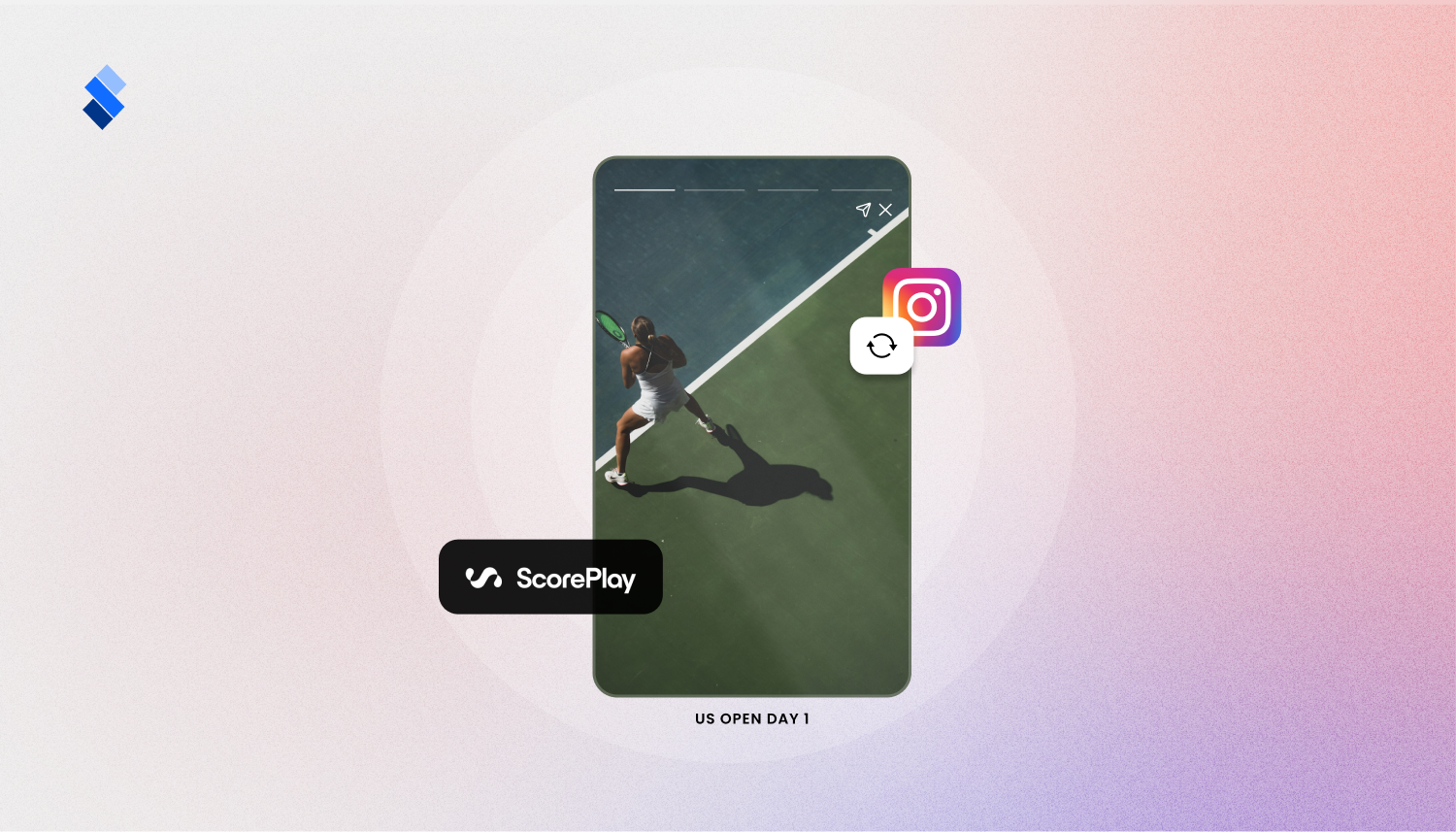
Sports teams can now connect ScorePlay with StorifyMe and bring media assets directly into Stories and Shorts. Instead of downloading match-day photos, videos, highlights, player content, or sponsor assets from one platform and uploading them into another, teams can access fresh media faster and turn it into fan-facing content while the moment is still relevant.
This is especially useful for match-day coverage, player stories, sponsor activations, behind-the-scenes content, and real-time fan engagement.
Single Story Widget
Teams can now display one specific Story as a standalone widget. This is ideal for highlighting a single campaign, product, article, offer, onboarding message, sponsor activation, or subscription CTA without showing a full carousel.
The Single Story Widget gives teams more control over where key content appears and helps keep the user journey focused on one clear action.
Improved Widget Loading Experience
Widgets now feel more polished while content is loading.
With subtle loading animations, including a soft glaze effect, widgets no longer appear as static empty spaces. Instead, users get a smoother transition into Stories and Shorts, making the experience feel faster, more responsive, and more native to your app or website.
Improvements 🌟
- Google Ads Preloading: Stories and ads now preload in the background for a smoother viewing and monetization flow.
- Branding Fonts: Teams can now upload custom fonts, add fonts via URL, and choose font weights for stronger brand consistency across Stories and Shorts.
- Seen Story Behavior: Teams can now choose whether seen Stories move to the end automatically or only after a page refresh.
- Analytics Filtering: Analytics filters have been improved to provide a clearer and more streamlined performance overview.
- Media Library: Infinite scroll has been added to the editor, making it easier to browse larger media libraries.
Bug Fixes 🔧
Optimized Image Loading
Images now load in optimized resized versions, helping improve performance and deliver a smoother viewing experience.