October 6, 2026
Protect Your Content, Simplify Access, and Take Control of Your Stories
Keep published media protected, spend less time managing team access, and choose exactly which Stories your audience sees.
September's updates help you do all three, with stronger security controls, easier content management, and improvements to mobile accessibility and widget reliability.
Choose Exactly Which Stories Appear in Your Widgets
With StorifyMe Secure CDN, your published media stays protected from unexpected changes.
Images, videos, and their optimized versions are stored in versioned, write-protected storage. Each asset stays linked to its specific version, so later uploads or media processing updates won't silently replace content used in existing Stories.
This helps your team protect approved creative and maintain consistent content across published experiences.
Keep Enterprise Access Up to Date With Directory Sync
You can now select which published Stories appear in a web widget and arrange them in the order you want.
Whether you're creating a campaign landing page, highlighting products, or building a Story collection, you can control exactly which content users see and in what sequence.
Your selection takes priority over broader tag and manual-list rules, while publishing and regional visibility settings still apply.
Hand-picked Story selection is also available in the iOS and Android SDK beta versions.
Manage Team Access Without the Manual Work
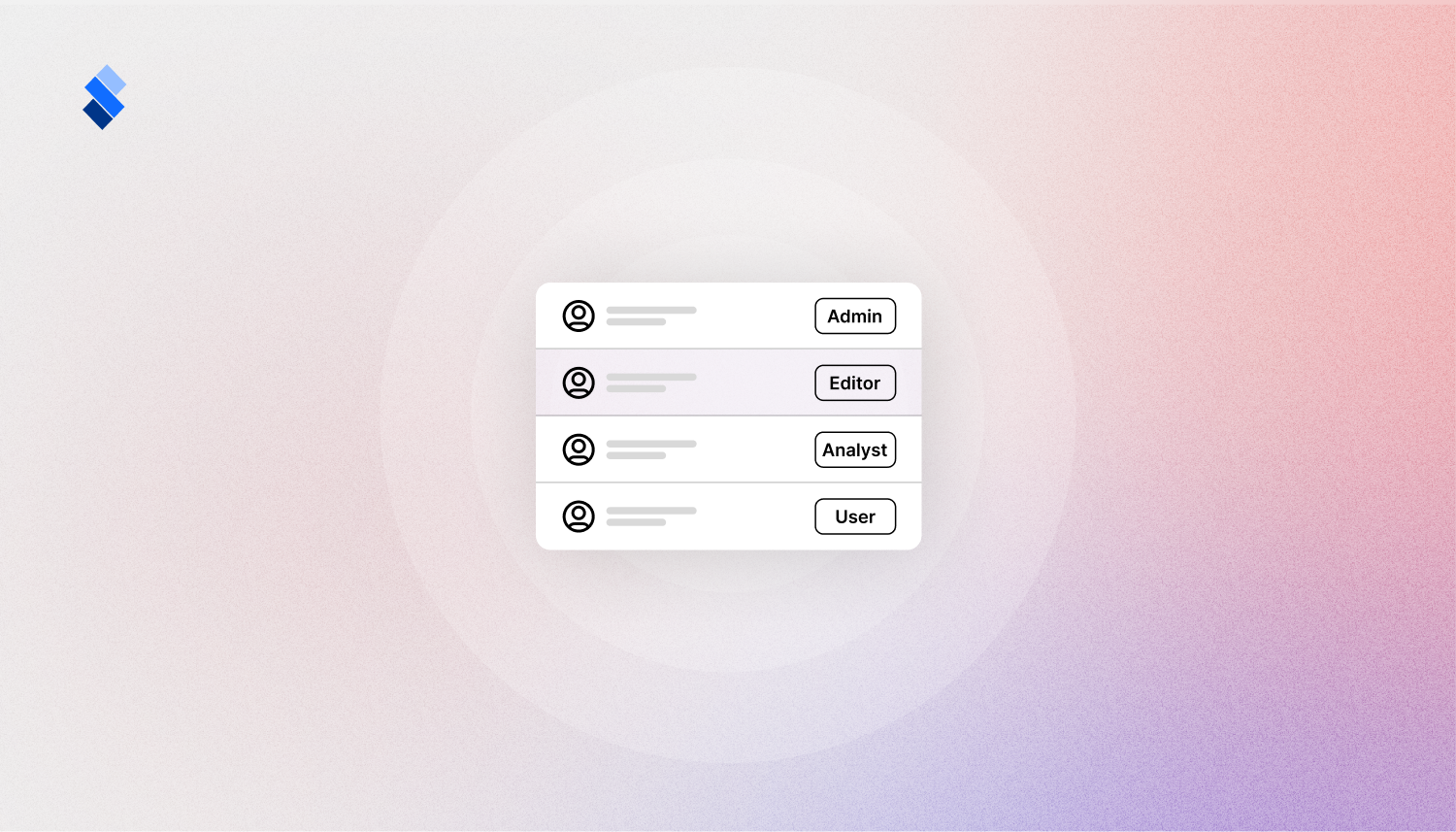
Directory Sync keeps StorifyMe account membership and permissions aligned with your company directory. When employees join, change roles, or leave, their StorifyMe access is automatically updated based on directory settings.
Admin, Editor, Analyst, and User roles are assigned through directory groups, reducing manual administration and helping IT teams keep account access up to date.
Control Where Your Integrations Can Connect
Administrators can now restrict StorifyMe API and API-key access to approved IP addresses or ranges.
Requests from outside these networks are blocked, giving organizations stricter security requirements more control over where their integrations can connect.
Make Stories Easier to Navigate for Everyone
Improved: Mobile Accessibility and Tablet Support 🌟
We've improved how users navigate and interact with Stories and Shorts across devices.
The latest updates include:
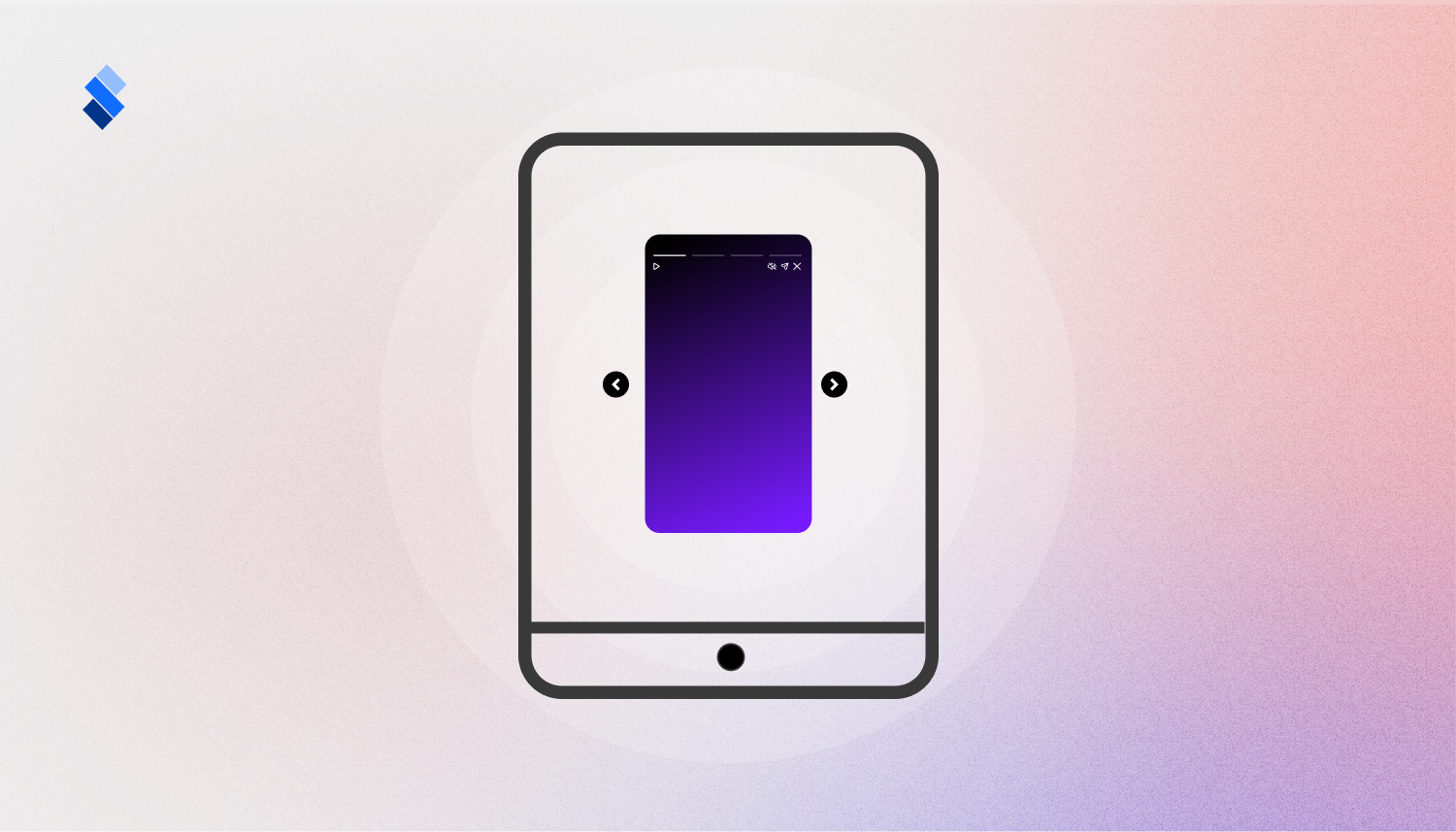
- Tablet support: Display Stories and Shorts on tablets with the iOS and Android SDK beta versions.
- Easier navigation: Previous and next controls help users move through Stories in supported mobile web views.
- Better screen-reader support: Improved focus handling helps users follow content as Stories change or Shorts replay.
- Accessibility options: Teams can enable supported accessibility behavior in mobile SDK experiences.
These improvements make Stories easier to navigate across phones and tablets.
Keep Your Story Covers Consistent With Your Brand
Improved: Custom Poster Handling 🌟
Custom Story posters are now preserved when StorifyMe generates preview images. Thumbnails also display the correct selected covers in the editor and published experiences, preventing automatically generated images from replacing approved creative.
This helps keep your Story visuals consistent wherever they appear.
More Improvements🌟
- More reliable video playback: Video widgets try optimized CDN sources and backup URLs before falling back to full-size files when a source is unavailable.
- Better network recovery: Mobile SDK widgets recover more gracefully from connection failures.
- More dependable widget updates: Versioned CDN scripts and cache refreshes help browsers load updated widget code.
- Consistent campaign tracking: Pre-rendered Widget V3 Stories retain campaign tracking settings, helping teams attribute visits and engagement.
- Improved dynamic data: Story data is returned more consistently through the API and JavaScript widgets.
- Alternative loading options: Widget V3 can use a configured alternate URL when available.
Fixes 🔧
- Fixed an issue that could cause Widget V3 videos to play more than once.
- Fixed Shorts modal behavior so closing it restores the page's previous scroll position.
- Fixed locked text editing so authorized users can open text elements for editing with a double-click.
- Fixed text spacing near the bottom of Story slides.
- Fixed pre-rendered Stories retaining outdated content, settings, or links after publication settings change.
These updates make StorifyMe more secure for enterprise teams, more reliable across widgets and mobile experiences, and easier to control when publishing Stories and Shorts at scale.


