November 5, 2026
Share Stories on Facebook, Plan Content, and Open Branded Links in Your App
This release brings more flexibility to content publishing and distribution. You can now share and reuse content from Facebook Pages, schedule Stories, Shorts, and ads from one calendar, and open branded Story links directly in your mobile app. We've also improved enterprise access management and Story analytics.
Share and reuse content from Facebook Pages
New: Facebook Page Integration
Connect your Facebook Pages to StorifyMe to share Stories and Shorts across more channels without recreating content. You can also browse Stories and Reels from connected Facebook Pages and reuse their media in the StorifyMe editor. Select individual Pages when publishing to manage where your content appears. Facebook Story media can be imported only while the original Story is active on its Page.
Plan and schedule content from one calendar
Improved: Content Scheduling
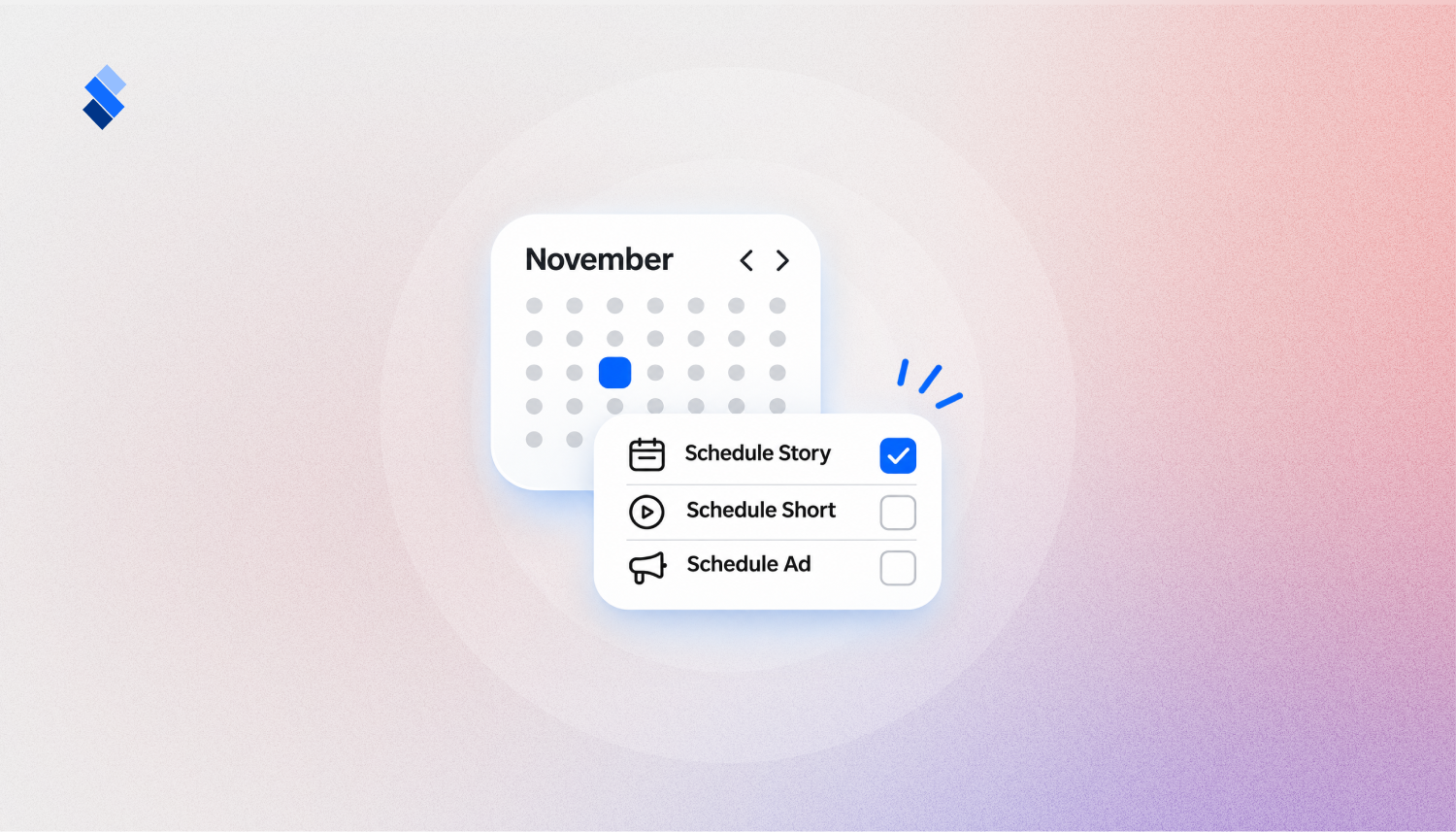
Scheduling is now available on Basic plans and above, making it easier to plan and manage content in advance. Choose a date in the calendar, find the Story, Short, or ad you want to publish, and schedule it directly. You can also set tags and featured status during scheduling. Calendar filters and publishing details help you track upcoming content, review publication history, and coordinate releases across your team.
Open branded Story links directly in your mobile app
New: Custom Domain Deep Linking
Stories and Shorts hosted on your custom domain can now open directly in your iOS or Android app, creating a more connected experience between your website, shared links, and mobile app. Add your app identifiers in Mobile Settings, and StorifyMe will provide the domain association files needed for supported devices to recognize your app links. You can configure iOS and Android separately, depending on which platforms your app supports. Setup instructions are available in Mobile Settings.
Keep team access synchronized automatically
New: Directory Sync
Managing access across large teams is easier with WorkOS Directory Sync. When configured, StorifyMe can automatically add new directory users, update existing members' roles, and remove access when users are deactivated or deleted. Group-based role mapping lets administrators manage permissions through their company's identity provider, reducing manual account administration.
Available for accounts with a configured WorkOS Directory Sync connection and role mapping.
Understand how audiences interact with your Stories
Improved: Story Analytics and Custom Events
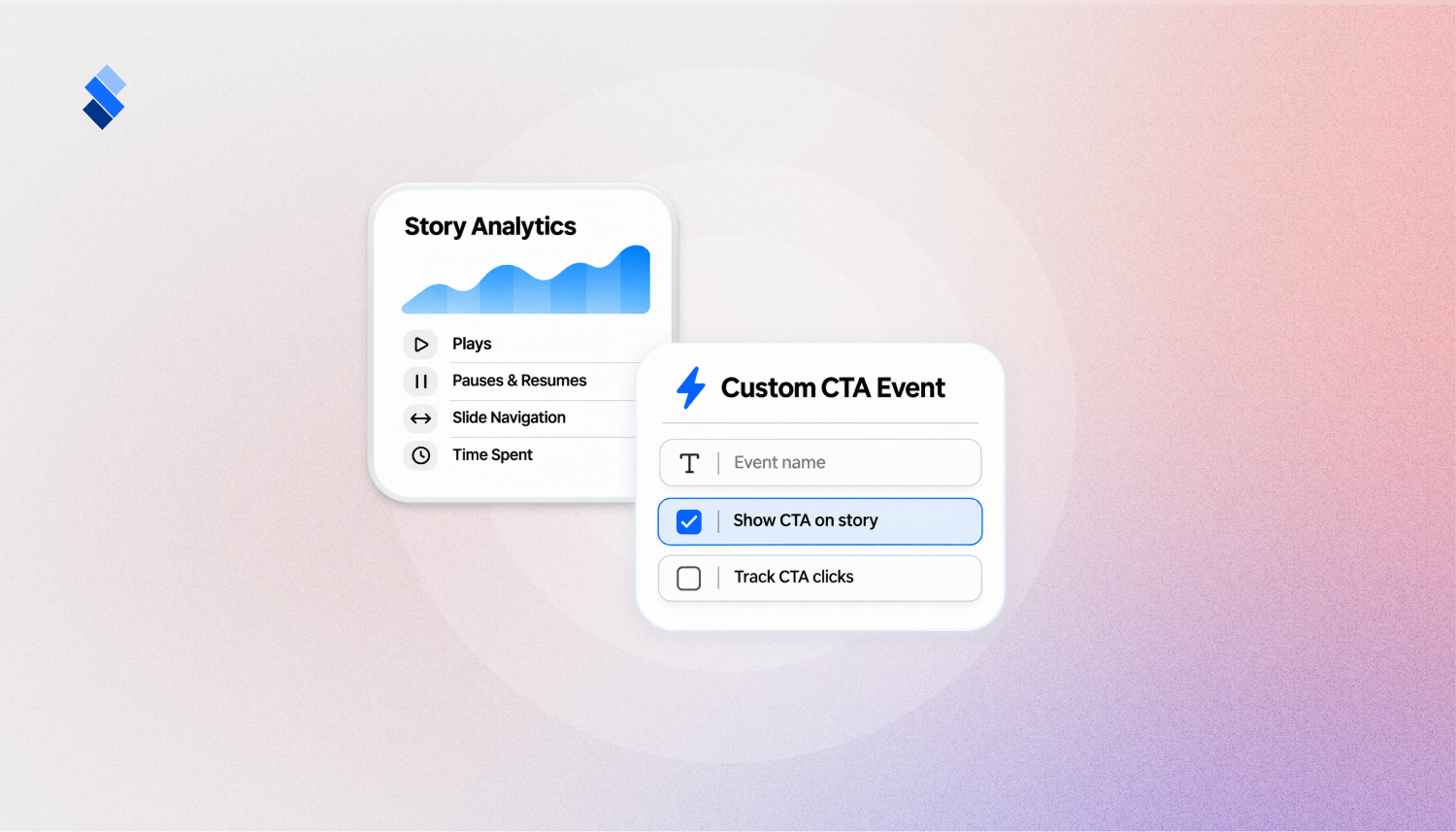
Story analytics now capture more interaction details, including pauses, resumes, Story closures, slide navigation, time spent on individual slides, background and return events, and ad starts. For mobile SDK integrations, Google Analytics 4 can also receive a known customer ID when available, making it easier to connect Story activity with existing audience data. Administrators can also create custom CTA event types, including optional or required text and checkbox fields. Creators can apply these events to CTA and engagement buttons to capture more specific interactions.
More Improvements 🌟
- Instagram connections: Eligible authorization tokens can renew automatically, with expiry information and reconnect prompts available in settings.
- Shopping Feed reliability: Feed URLs are now required, and a misconfigured feed no longer prevents other feeds from syncing.
- Editor layers: Improved layer controls make it easier to arrange Story elements.
Bug Fixes 🔧
- Fixed unexpected looping and timing issues in Shorts.
- Fixed cases where ads failed to load inside Stories.
- Improved keyboard navigation and accessibility in the Web Widget.
- Fixed subtitle loading in AMP and custom Stories.
- Fixed animation controls for slides using image backgrounds.