Widget V3 Performance, YouTube Auto-Sync, and Advanced Customization
August 5, 2026
With Widget V3, teams can deliver faster, smoother Story and Shorts experiences on mobile devices with up to 4x better memory efficiency. This release also introduces YouTube Shorts Auto-Sync, advanced widget customization, and new content authoring tools to help teams automate content workflows and fine-tune widget experiences without custom code.
Widget V3: Up to 4x Better Memory Efficiency
Widget V3 delivers a faster and smoother experience on mobile devices, with up to 4x better memory efficiency on iPhones and memory-constrained Android devices. Widget V3 also introduces native-feeling swipe-to-dismiss gestures on mobile web while maintaining full backward compatibility. Teams can enable V3 support per widget, making it easier to migrate gradually without disrupting existing integrations.
Why this matters:
- Faster and smoother Story experiences on mobile
- Better memory efficiency on iPhones and Android devices
- Reduced slowdowns during extended browsing sessions
- Native-feeling swipe-to-dismiss gestures on mobile web
- Gradual migration with per-widget V3 support
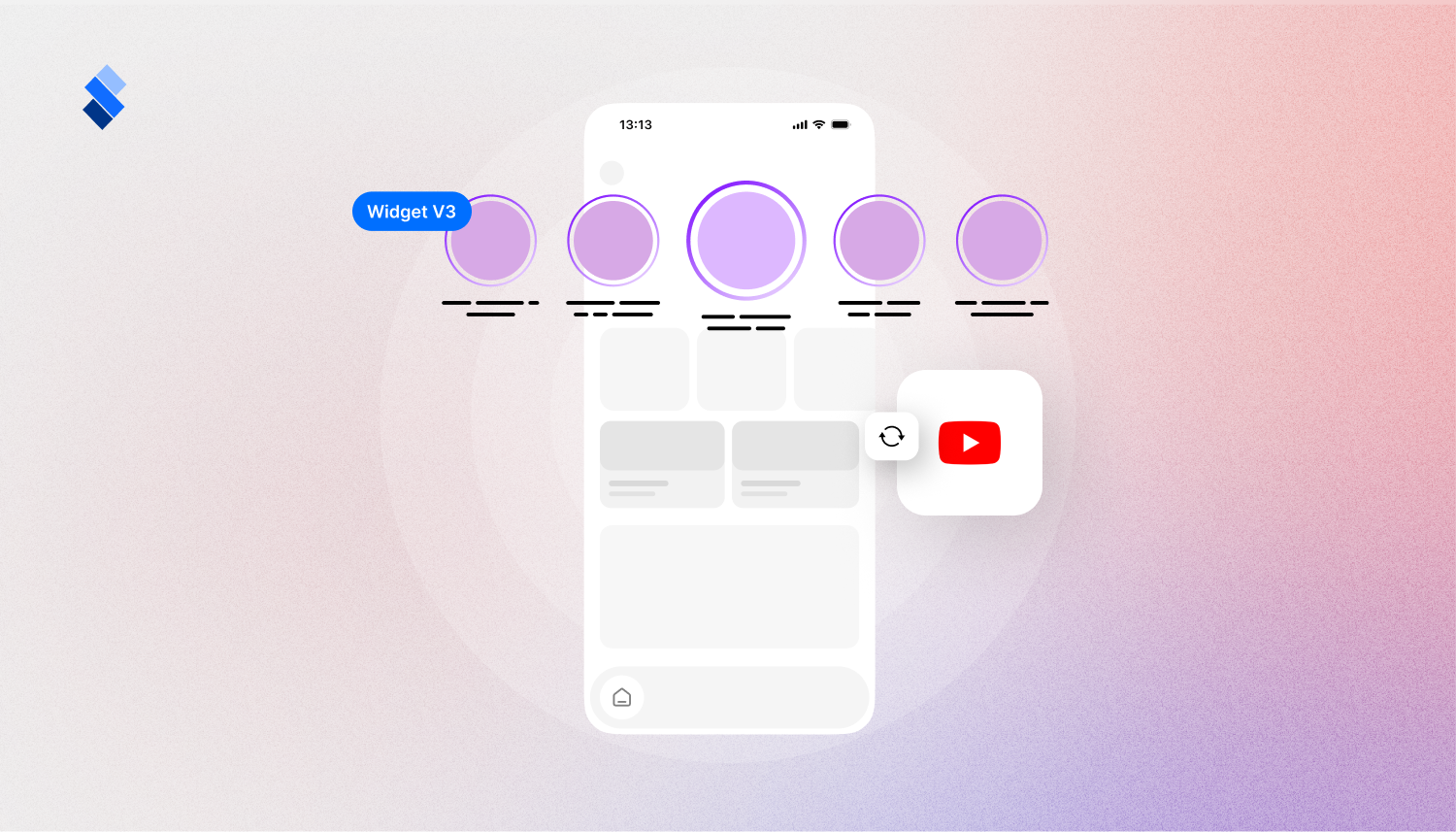
YouTube Shorts Auto-Sync
Teams can now automatically sync YouTube Shorts directly into StorifyMe Shorts, joining existing Instagram and TikTok integrations.
Connect a YouTube channel once, and new Shorts can be continuously imported as they are published, without manual uploads.
Why this matters:
- Easier reuse of YouTube Shorts across owned channels
- Less manual uploading for content teams
- Faster content distribution from YouTube to Stories
- More consistent workflows across social integrations
Advanced Widget Customization
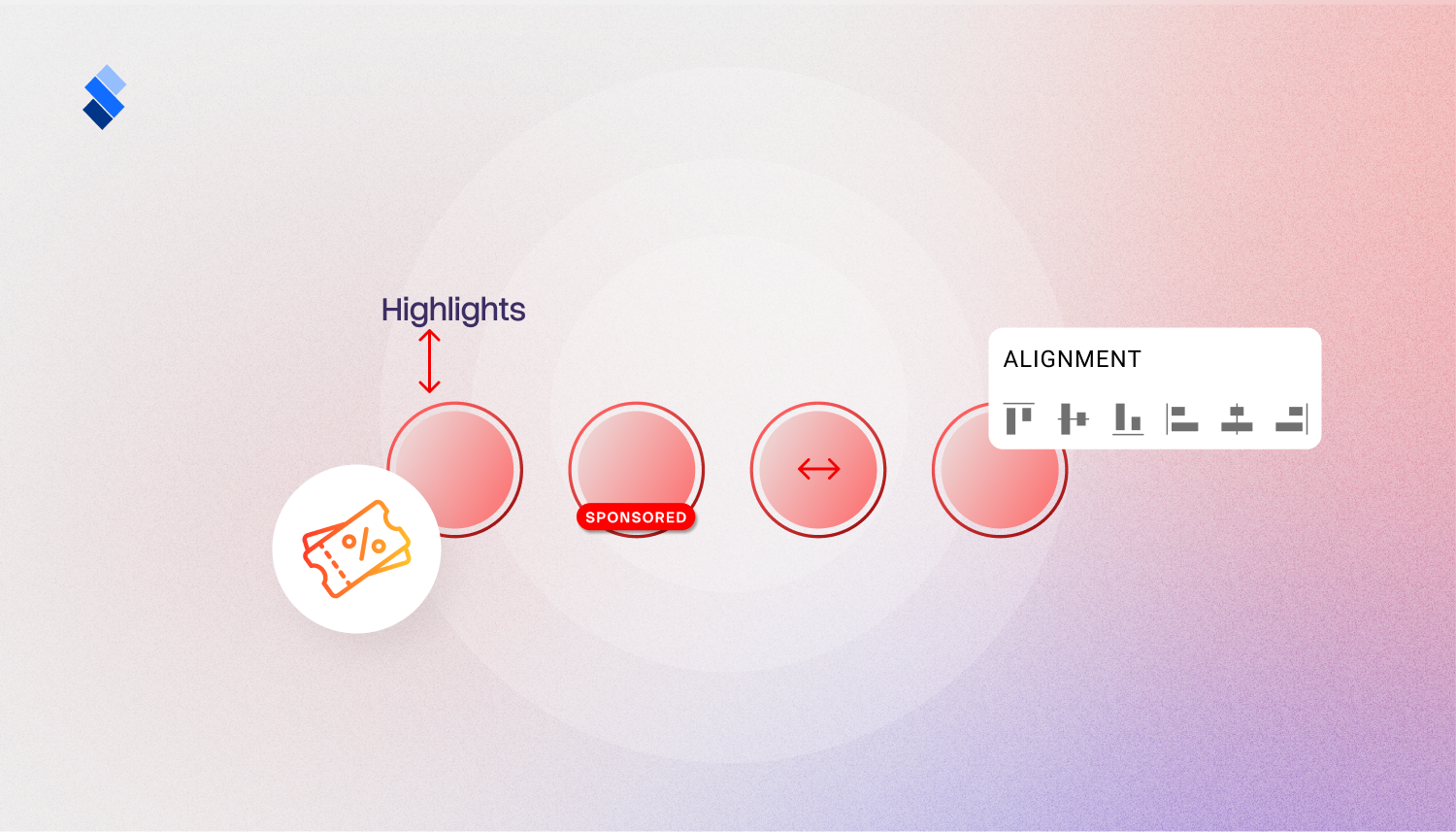
Widget customization is now more powerful without requiring custom CSS. Teams can align Widget carousels left, center, or right, configure title padding and line limits, hide titles entirely for image-focused widgets, and set default poster images for auto-synced content. Instagram and YouTube integrations now also support fallback posters when source content does not include a suitable thumbnail.
Why this matters:
- More control over widget appearance
- Cleaner layouts for image-focused experiences
- Less need for custom CSS
- Better fallback visuals for auto-synced content
Promo Code
Experiences now also include a dedicated promo code element with tap-to-copy behavior, helping reduce friction in promotional campaigns which will ensure smoother promo code experiences for users.
Content Authoring Enhancements
Content creation and template management are now easier and more flexible. Custom font uploads now support font weight configuration for CTAs and text elements. Template management also includes search and rename capabilities, making it easier to organize growing content libraries.
Why this matters:
- Better brand consistency across text and CTA elements
- Easier template organization
- Faster content creation for larger teams
🌟 Improvements
- Analytics events now include richer metadata for better audience segmentation.
- The DateTime picker now provides smoother date range selection in analytics.
- Mobile SDKs now avoid unnecessary image downloads for improved performance.
- Template poster generation has been improved for templates with hidden slides.
- Instagram account management has moved to the sidebar for faster access.
- Embeds now support hiding titles for cleaner inline displays.
- Poster video optimization improves load times.
🔧 Fixes
- Fixed editor media ghosting during drag operations.
- Corrected back button behavior in StorifyMe platform navigation.
- Resolved editor resize issues when using the Shift key.